

If you are looking to connect Kubernetes clusters, see Remote Clusters.
For cloud accounts (AWS, GCP, and more), see Cloud Connectors.
Prerequisites
Before you connect a host, make sure you:- Install VM Agent on your Linux hosts. If VM Agent is not installed yet, start with VM Agent installation.
- Expose Odigos Central externally (for example, via an Ingress, LoadBalancer Service, or another supported exposure method).
- Have a Central endpoint URL that is reachable from your VM hosts.
- odictl
- YAML
Use 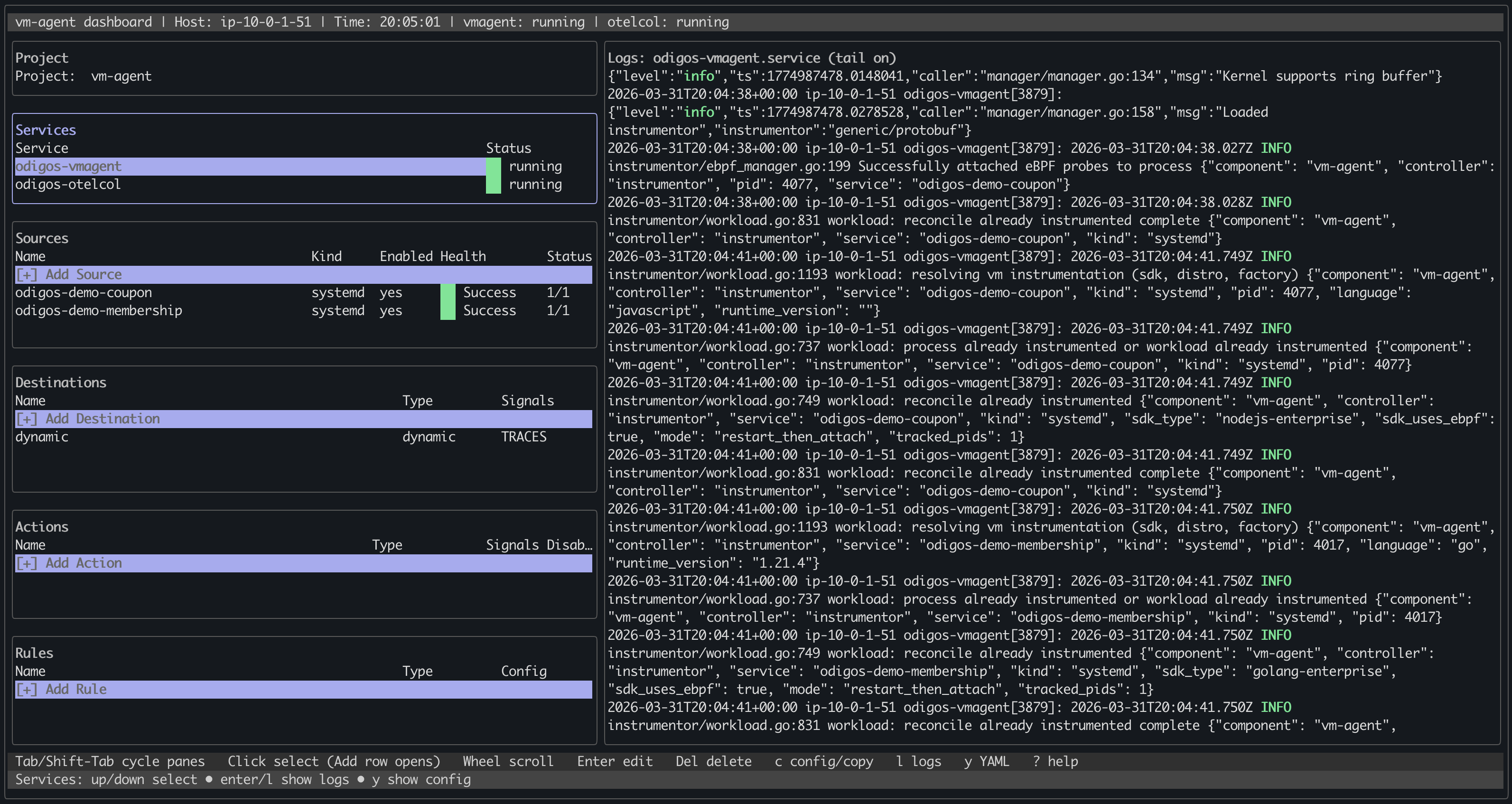
odictl to connect the VM Agent to Odigos Central.1
Open odictl on the host
2
Go to the Configuration screen
Press 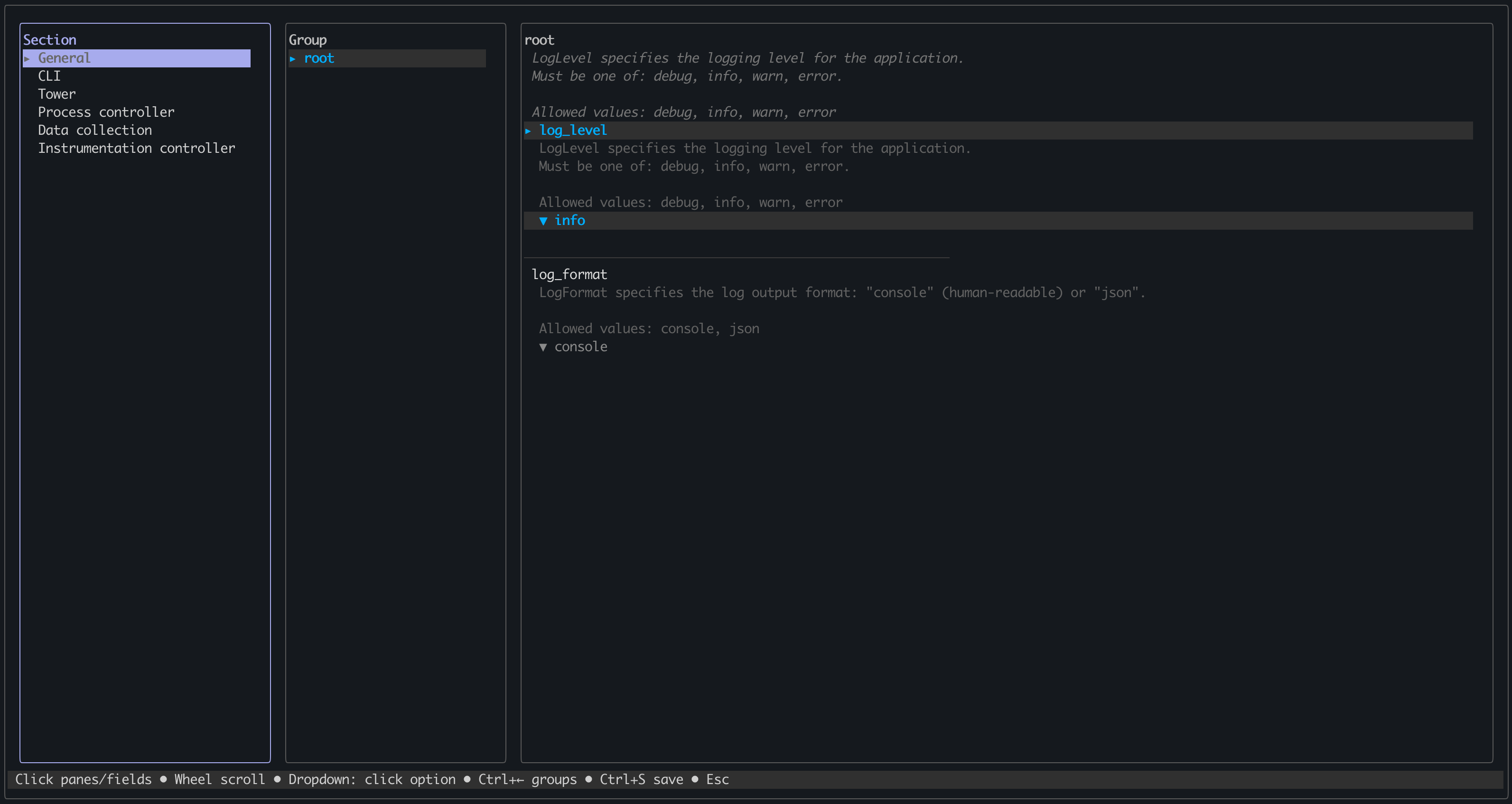
c to navigate to the configuration screen.3
Navigate to the Central section
Use the arrow keys or mouse to navigate to the Central section on the left side of the screen.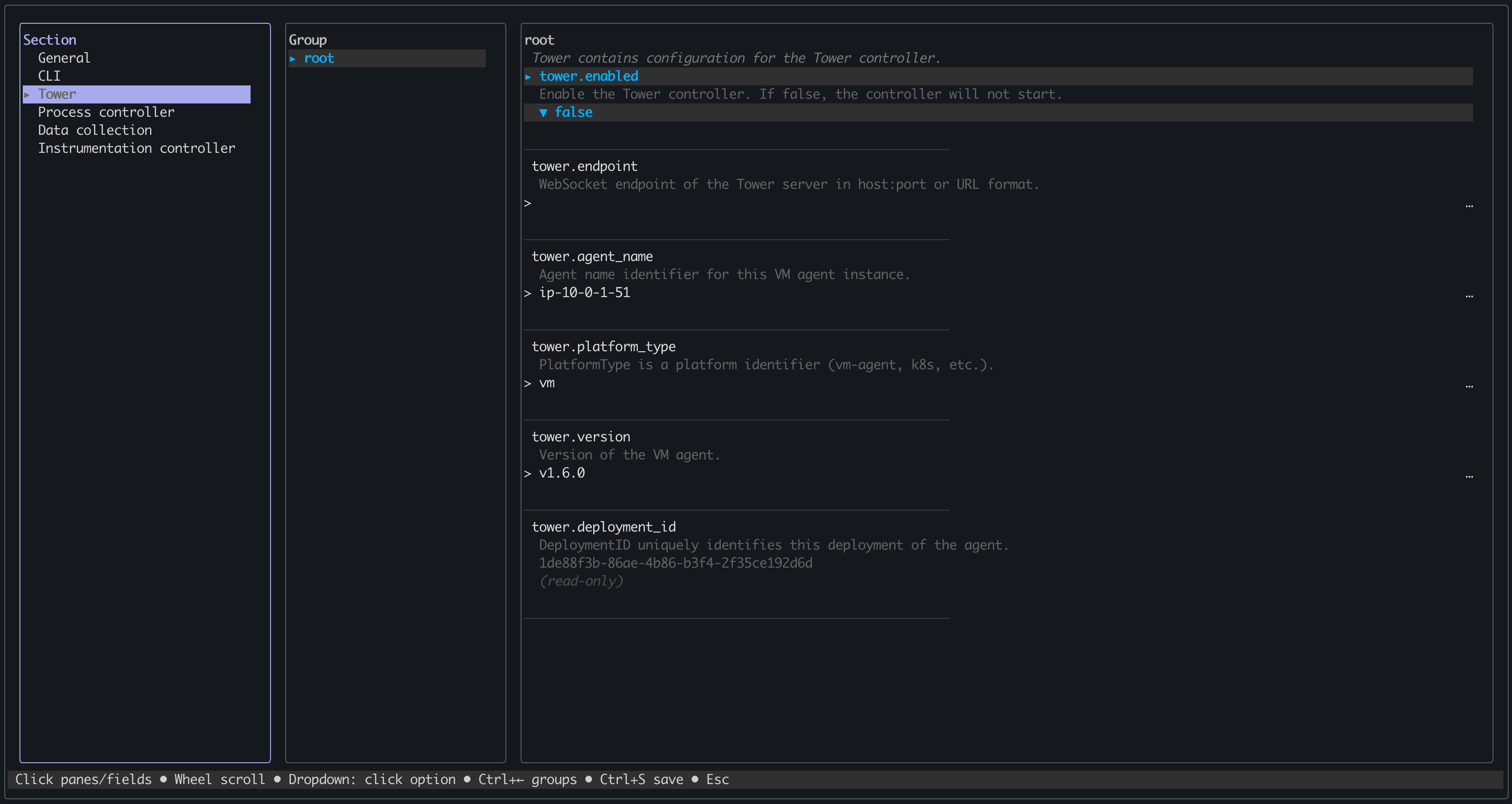
4
Configure Central settings
Use the 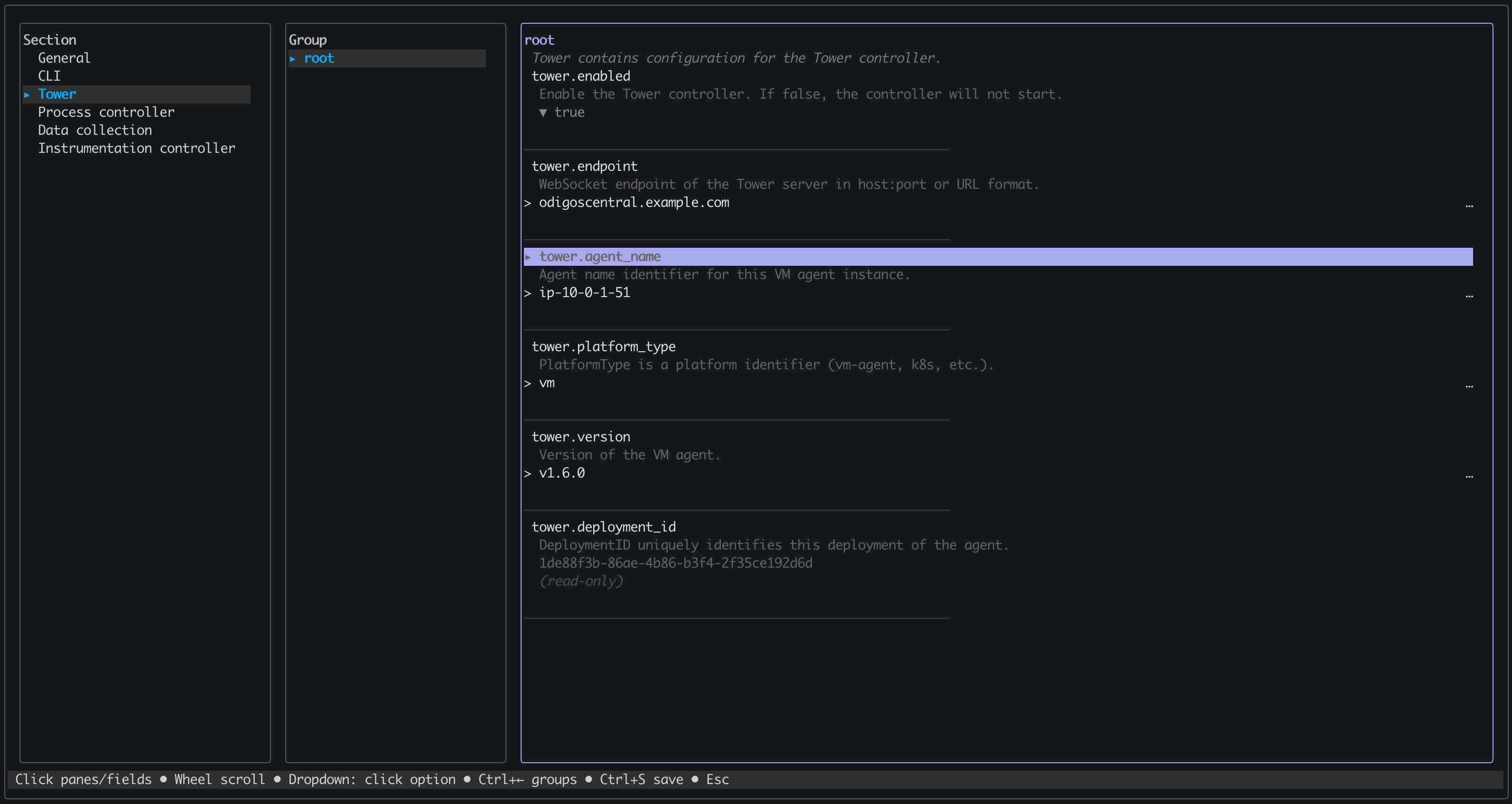
Tab key or mouse to navigate and configure the following fields:boolean
required
Enable the Central controller. If false, the controller will not start.
Set this value to
Set this value to
true.string
required
WebSocket endpoint of the Central server in host:port or URL format.
Set this to the Central endpoint URL from the Prerequisites section above.
Set this to the Central endpoint URL from the Prerequisites section above.
string
Agent name identifier for this VM Agent instance. (Defaults to IP of the host where dots are replaced with dashes, with an ip- prefix)
Set this to the display name you want to see in Odigos Central.
Set this to the display name you want to see in Odigos Central.
5
Save the configuration
Press
Ctrl+S to save the configuration.6
Exit odictl
Press
Ctrl+C to exit odictl.7
Restart the odigos-vmagent service
Restart the VM Agent service:
Next steps
VM Agent overview
Learn more about VM Agent capabilities and core concepts.