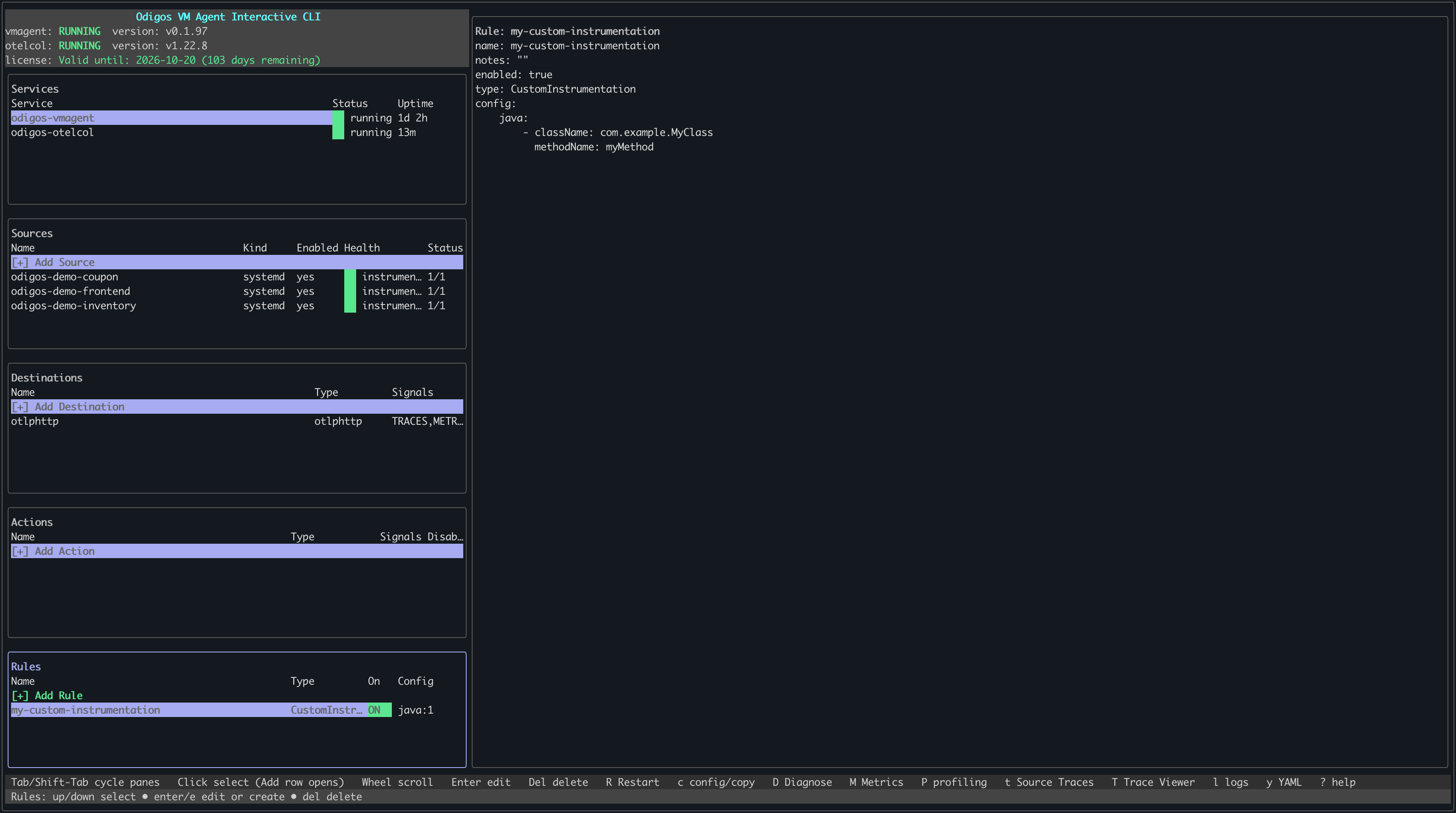
odictl or using YAML files.
- odictl
- YAML
1
Launch odictl
2
Open the Instrumentation Rules pane
Use 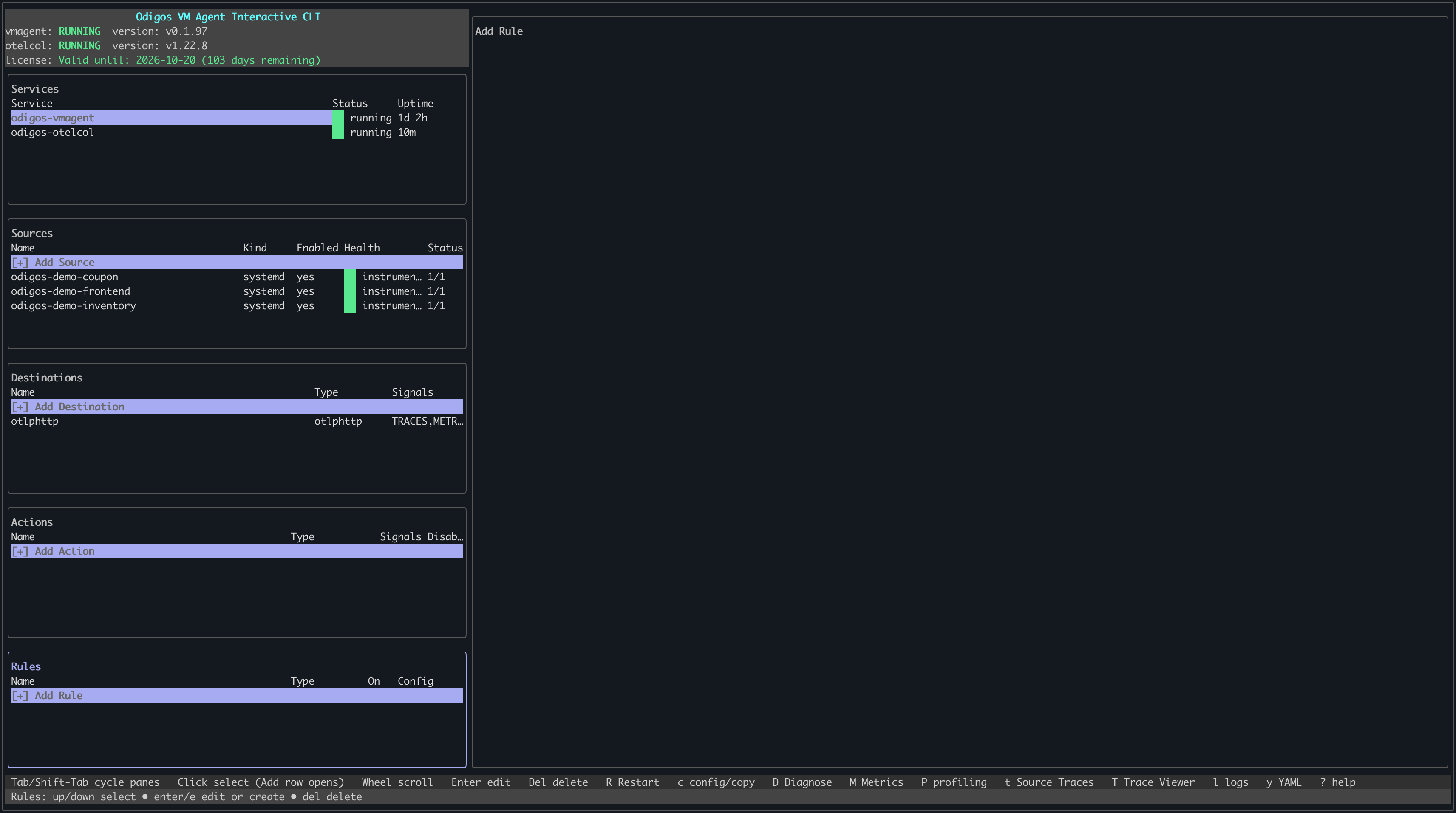
Tab to cycle to the Instrumentation Rules pane, or click it with your mouse. Press Enter or click + Add Rule to add a new rule.3
Choose Custom instrumentation
Select Custom instrumentation as the rule type and press 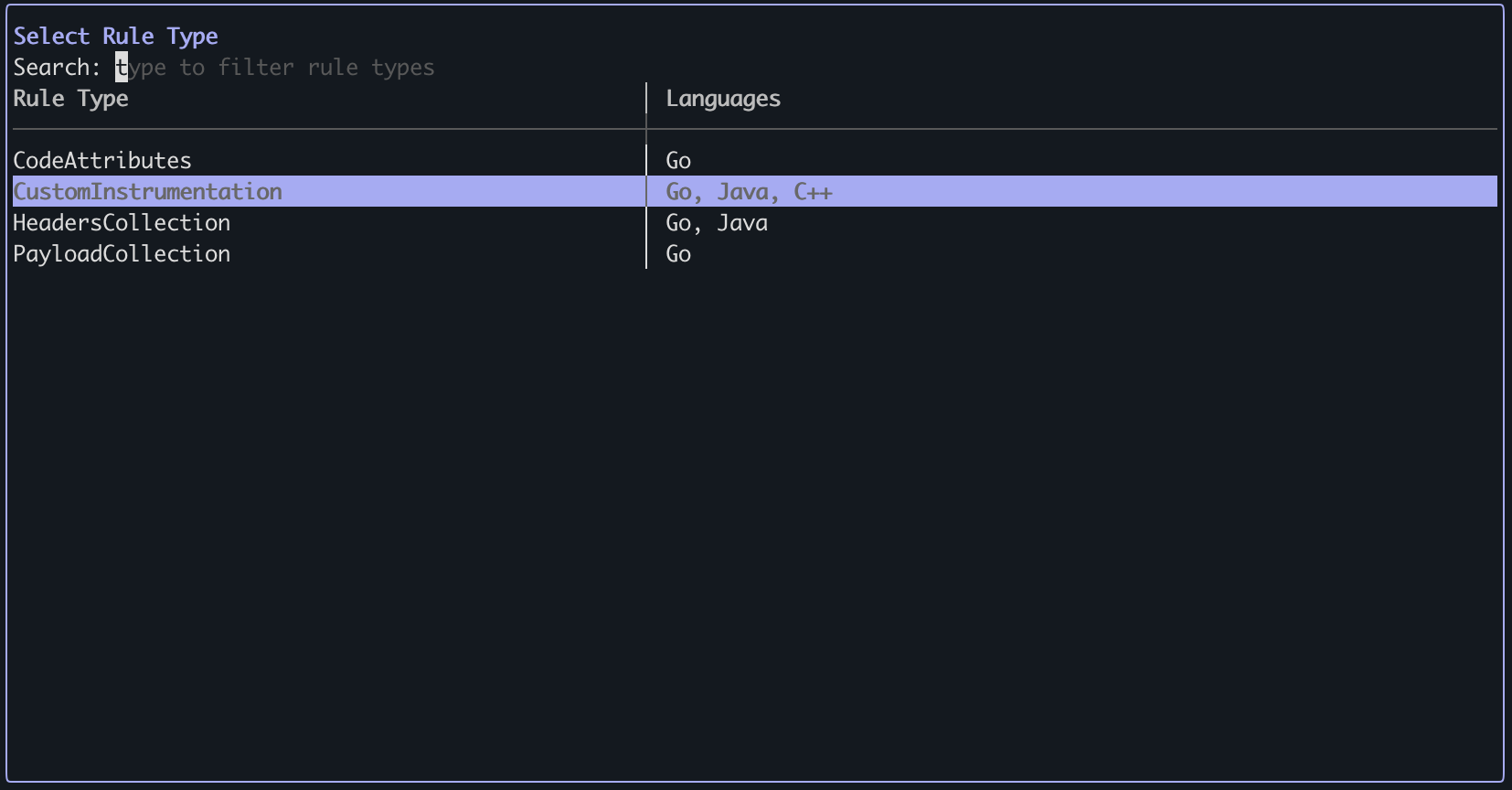
Enter.4
Configure the rule
- Press
ito enter INSERT mode. - For Java: set
className(fully qualified class name) andmethodName(method name). - For Go function: set
packageNameandfunctionName. Do not setreceiverNameorreceiverMethodName. - For Go receiver method: set
packageName,receiverName, andreceiverMethodName. Do not setfunctionName. - For C++: set
signature(the function signature, for examplestd::vector::push_backorSSL_write). - When finished, press
Esc, then type:wqto save and exit.
Java
Java
Instrument a method by fully qualified class and method name:
Go — function
Go — function
Instrument a function by package and function name:
Go — receiver method
Go — receiver method
Instrument a method by package, receiver type, and method name:
C++
C++
Instrument a function by its signature:
To cancel, press
Esc if in INSERT mode, then type :q! to exit without saving.5
Verify the rule
The rule appears in the Rules list.