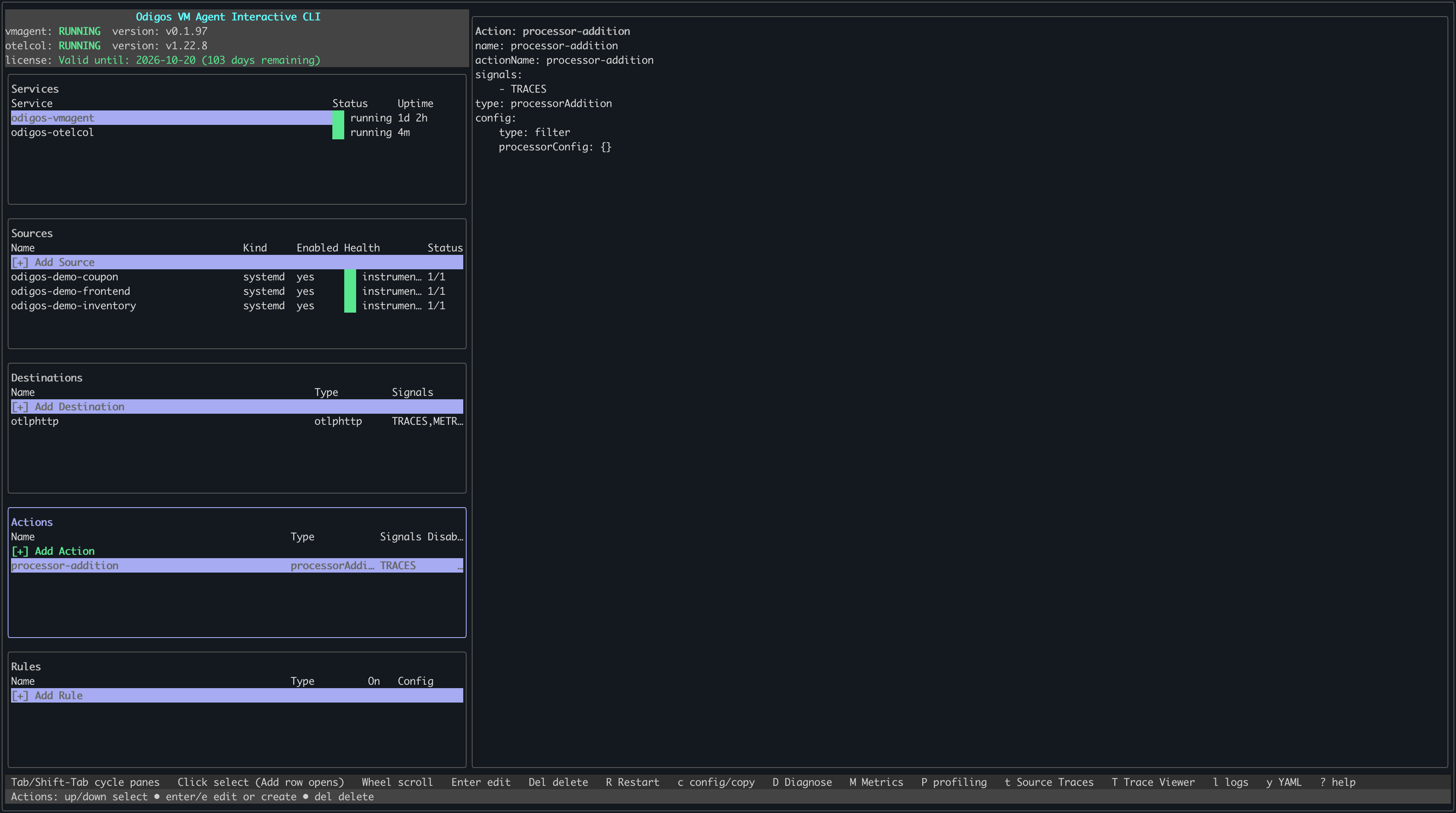
odictl or using YAML files.
- odictl
- YAML
1
Launch odictl
2
Select the actions menu
Use 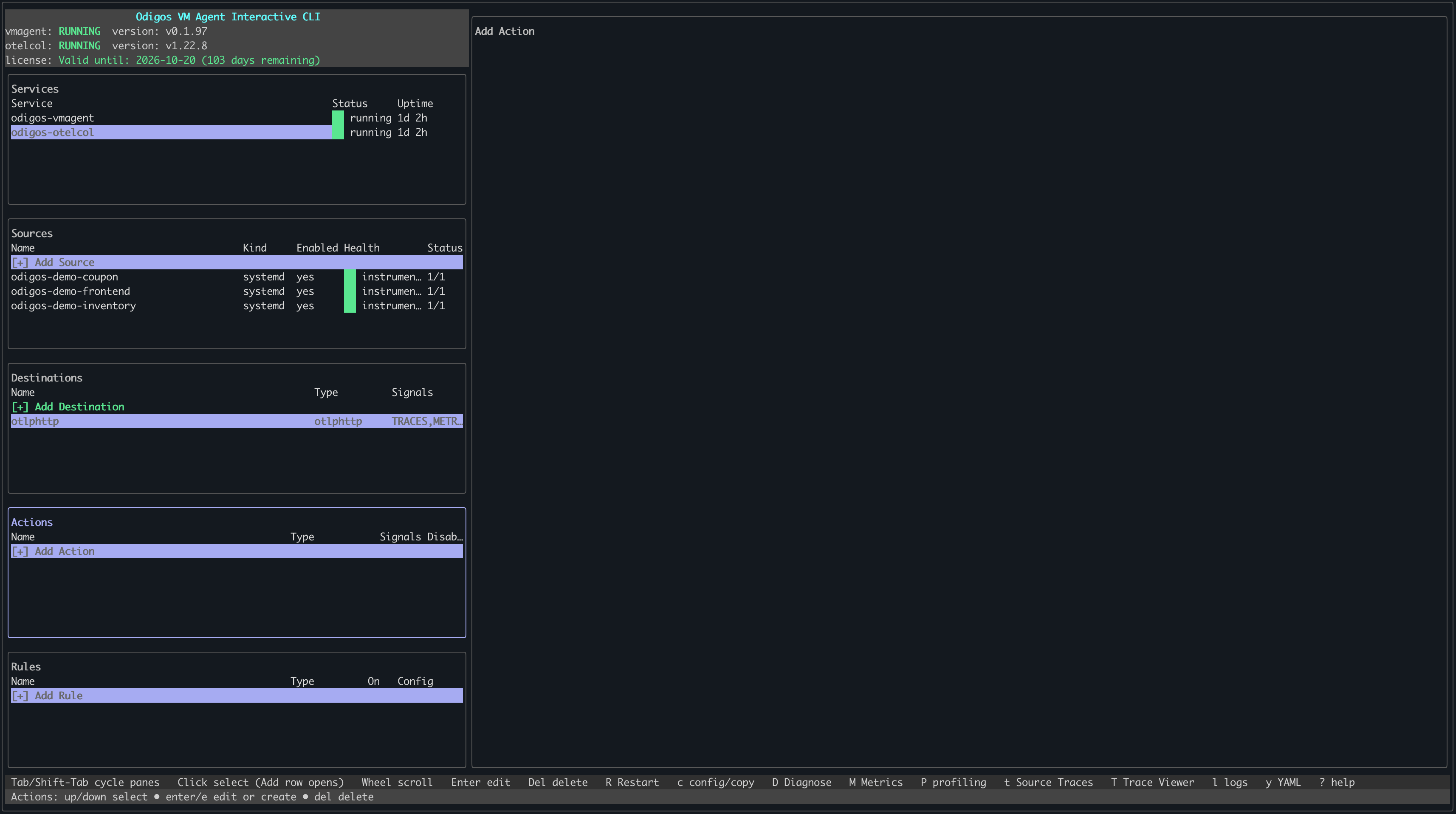
Tab to focus on the Actions pane or press a, then press Enter or click + Add Action with your mouse.3
Select Processor addition
Use the arrow keys to move through the list of action types. When Processor addition is highlighted, press 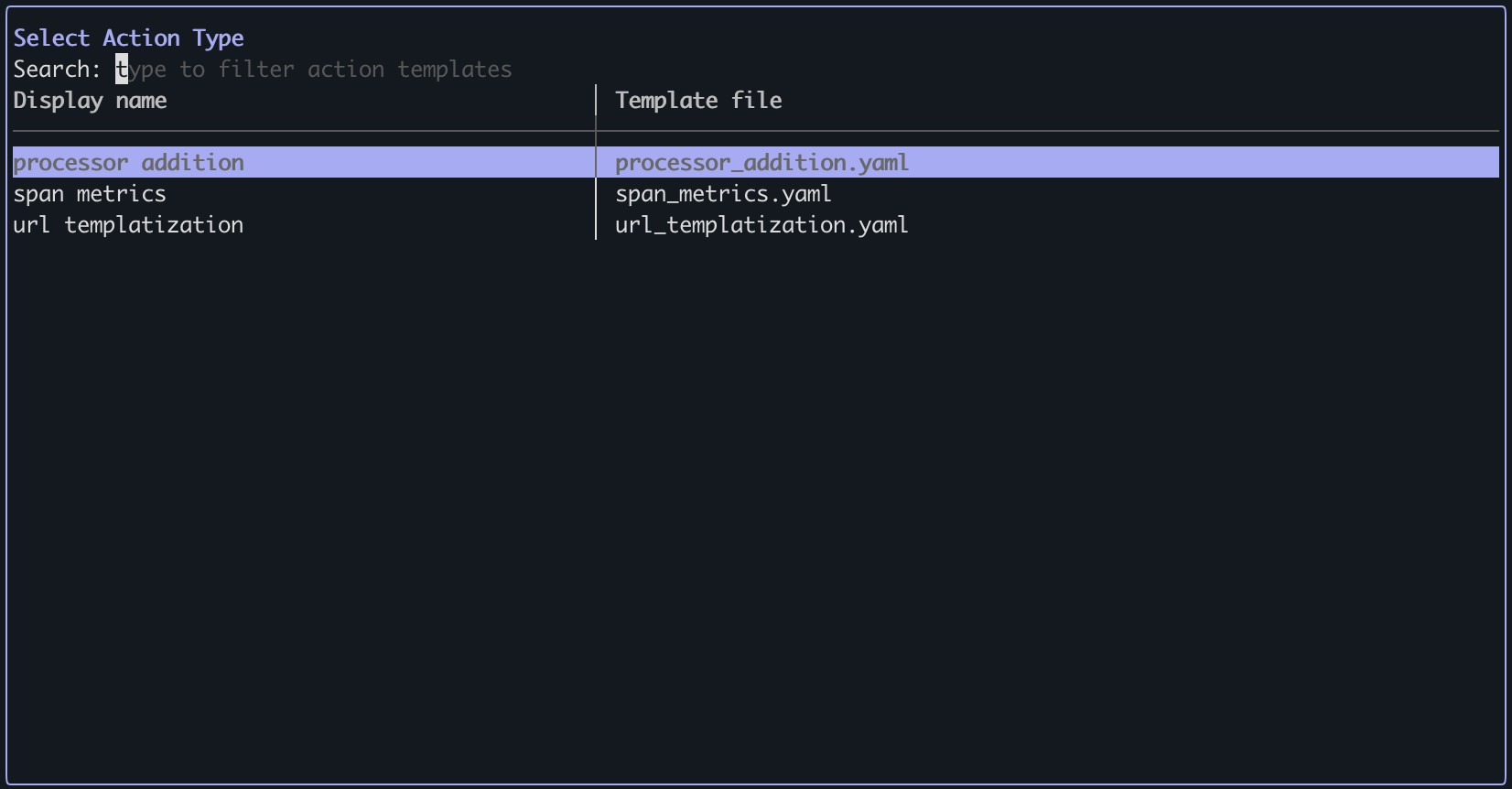
Enter.4
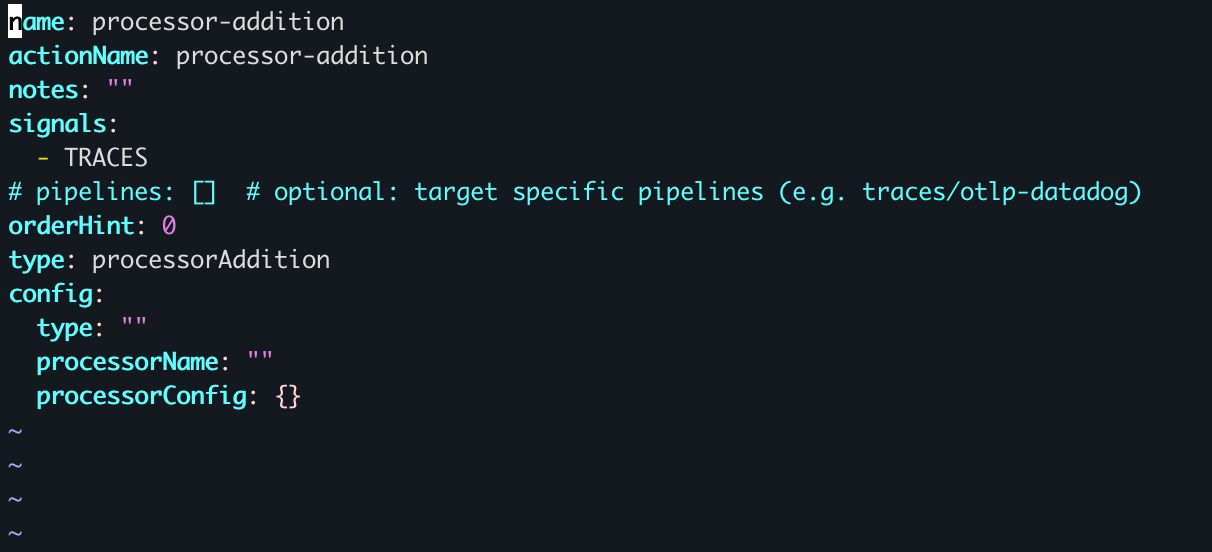
Configure the processor addition
- Press
ito enter INSERT mode. - Set the processor type and options. Only processors listed in the Odigos collector builder config are supported. Set the processor name (e.g.,
attributes,batch) and fill in any processor-specific configuration. - When finished, press
Esc, then type:wqto save and exit.
To cancel creating the action, press
Esc if you are in INSERT mode, then type :q! to exit without saving.5
Verify the action has been created