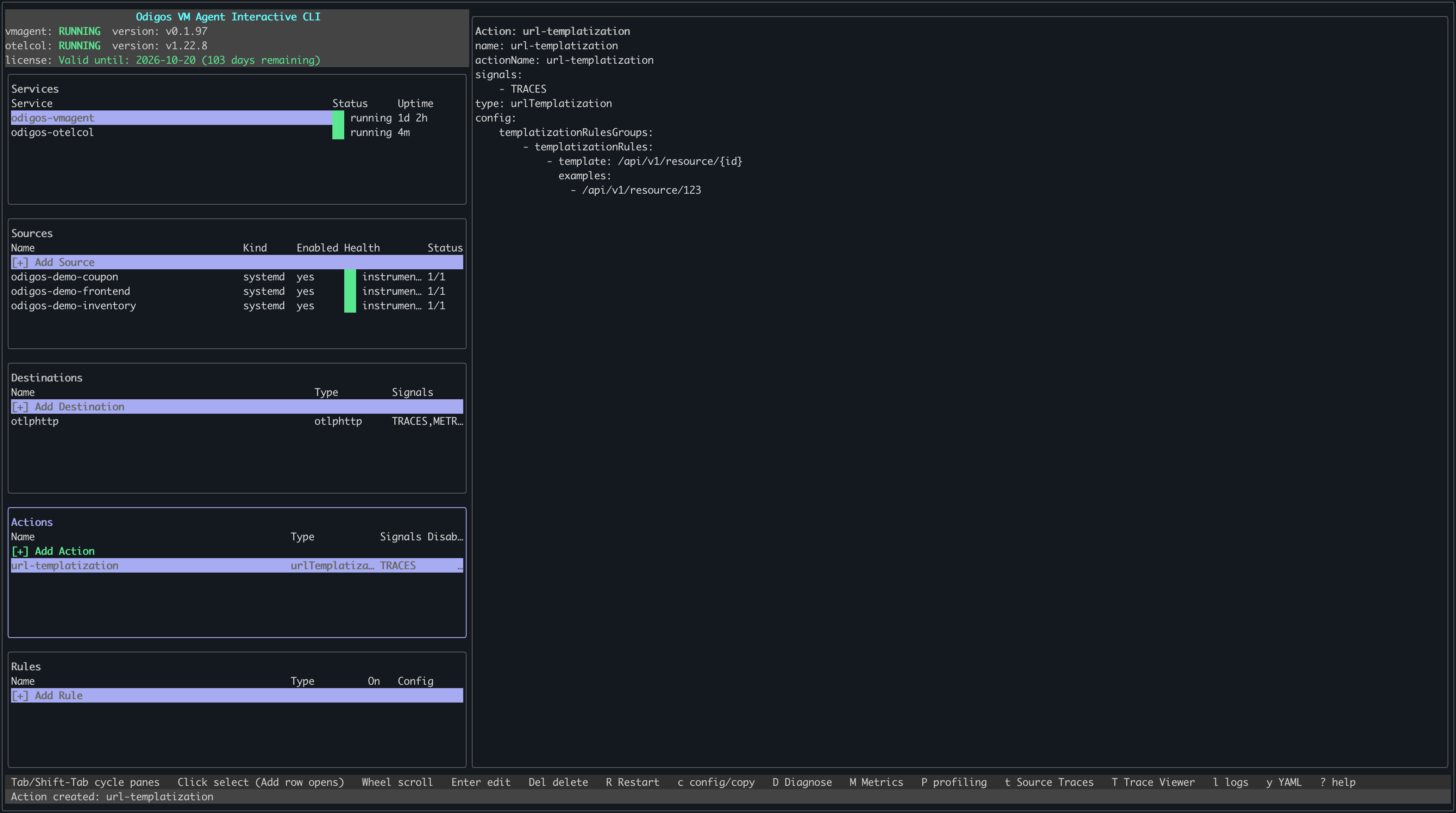
/users/123 → /users/{id}), keeping cardinality under control and making it easier to group traffic by endpoint pattern.
There are two ways to add a URL templatization action: using odictl or using YAML files.
- odictl
- YAML
1
Launch odictl
2
Select the actions menu
Use 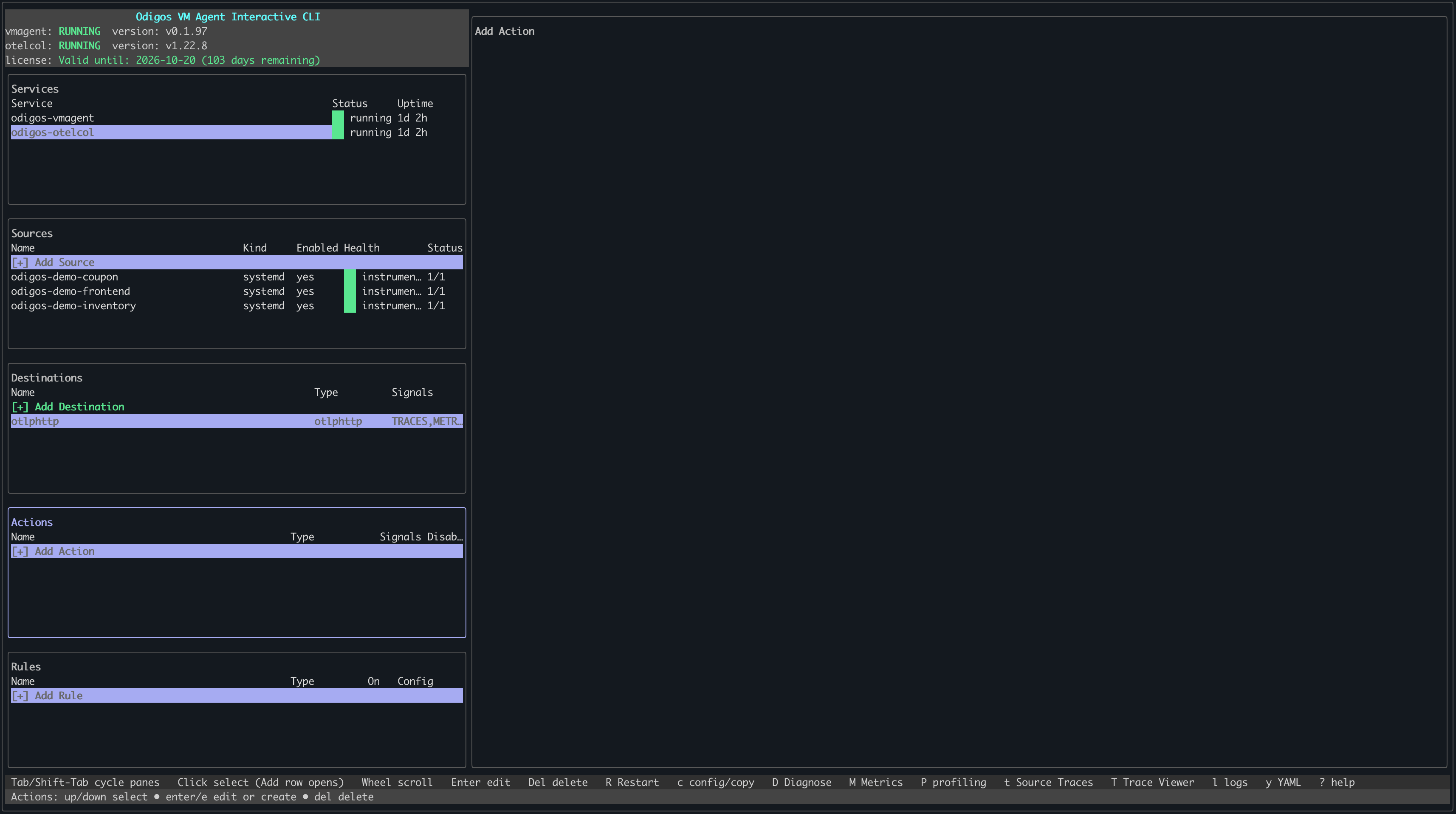
Tab to focus on the Actions pane or press a, then press Enter or click + Add Action with your mouse.3
Select URL Templatization
Use the arrow keys to move through the list of action types. When URL templatization is highlighted, press 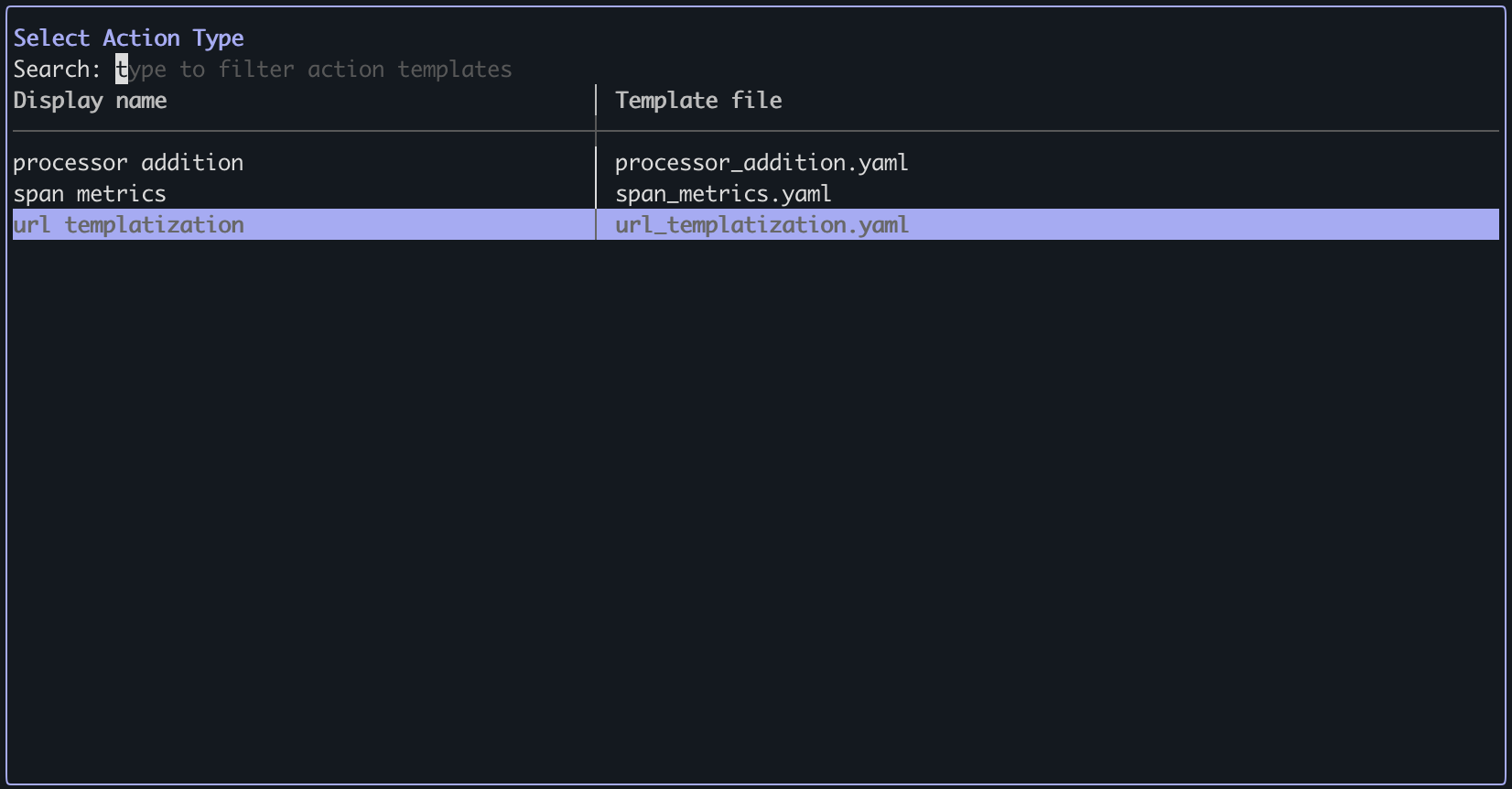
Enter.4
Configure URL templatization
- Press
ito enter INSERT mode. - Add one or more templatization rules with a
template(e.g.,/api/v1/resource/{id}) and optionalexamples. - When finished, press
Esc, then type:wqto save and exit.
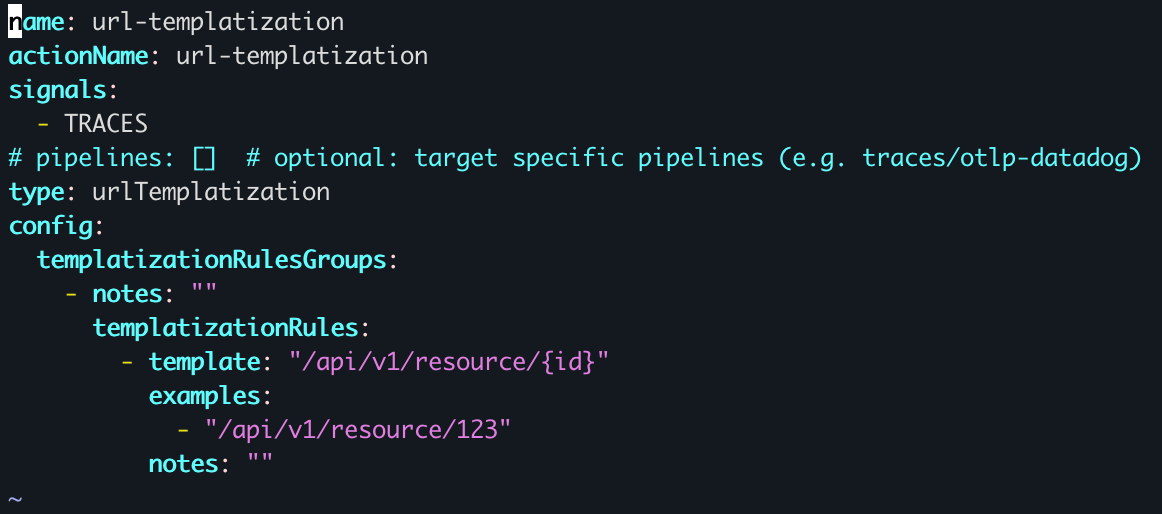
To cancel creating the action, press
Esc if you are in INSERT mode, then type :q! to exit without saving.5
Verify the action has been created