

PROFILES. Any backend which accepts OTLP Profiles is supported.
Pyroscope destination fields
See the Pyroscope backend reference for all fields. Defaults for a local Pyroscope container on the same host:Add destination with odictl
1
Launch odictl
2
Open the destination type list
Press 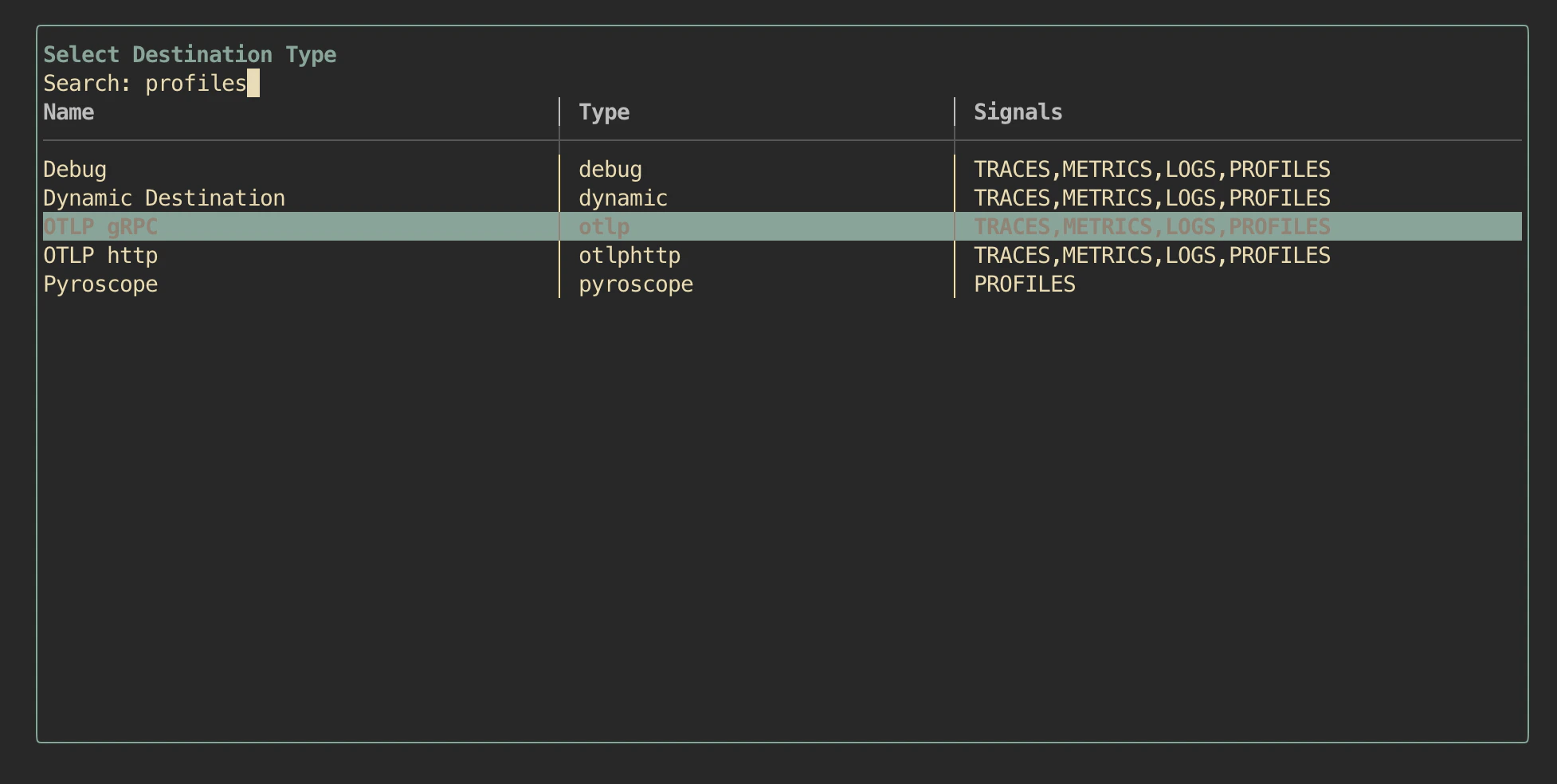
d to focus Destinations, then Enter (or click + Add Destination) and search for profiles to filter the list to backends that support the PROFILES signal.Enter.3
Configure the destination
Fill in Pyroscope Endpoint and toggle Enable TLS if needed. Leave Profiles: Yes.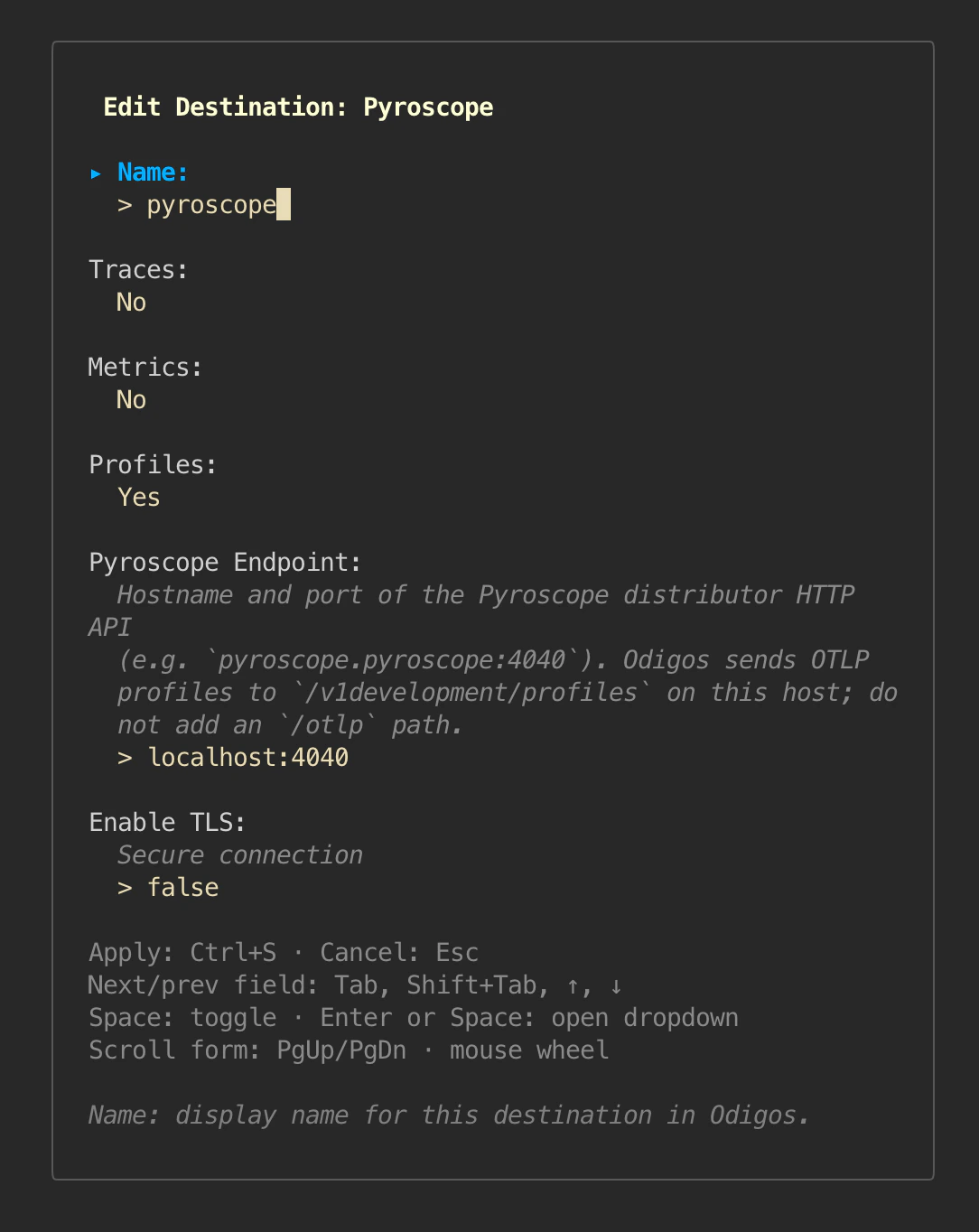
Ctrl+S (or focus Apply with Tab and press Enter) to save.4
Confirm
signals=[PROFILES] for the new destination.Add destination with YAML
Create a file under/var/lib/odigos-agent/config/destinations.d/, for example pyroscope.yaml:
Run Pyroscope on the host
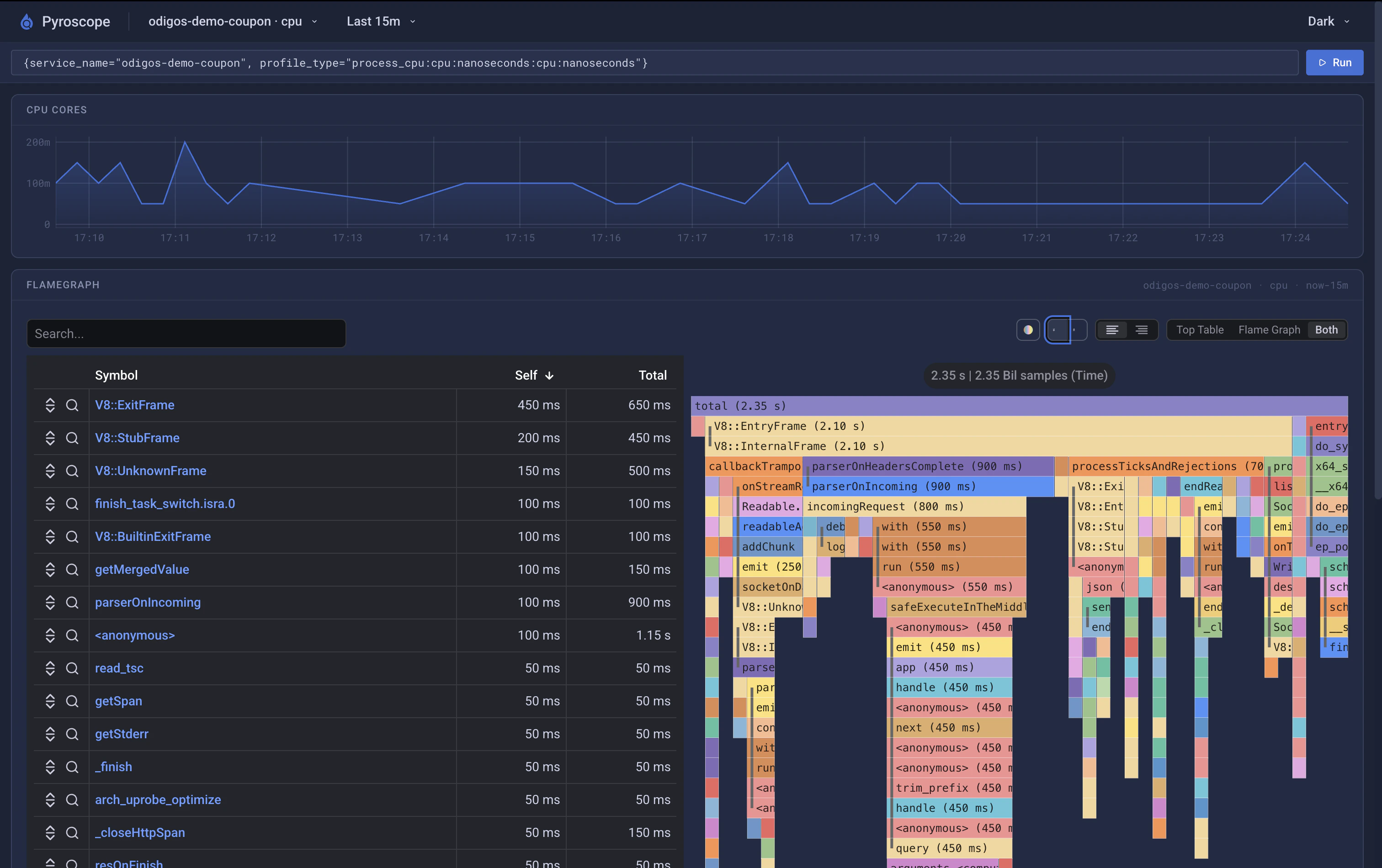
Quick local run, useful for testing:View profiles
Open Pyroscope athttp://localhost:4040. Pick profile type process_cpu and filter by service.name matching one of your enabled sources.
Other OTLP Profiles backends
Any backend that accepts OTLP Profiles can be used with destination typeotlp (gRPC) or otlphttp and signals: [PROFILES]. Pyroscope is documented here because it is easy to setup self-hosted target for VM deployments, the configuration shape for other backends is identical aside from their own endpoint fields.