

Getting Started
 On the left sidebar click on
 Apps, then under Manage select Access Tokens:
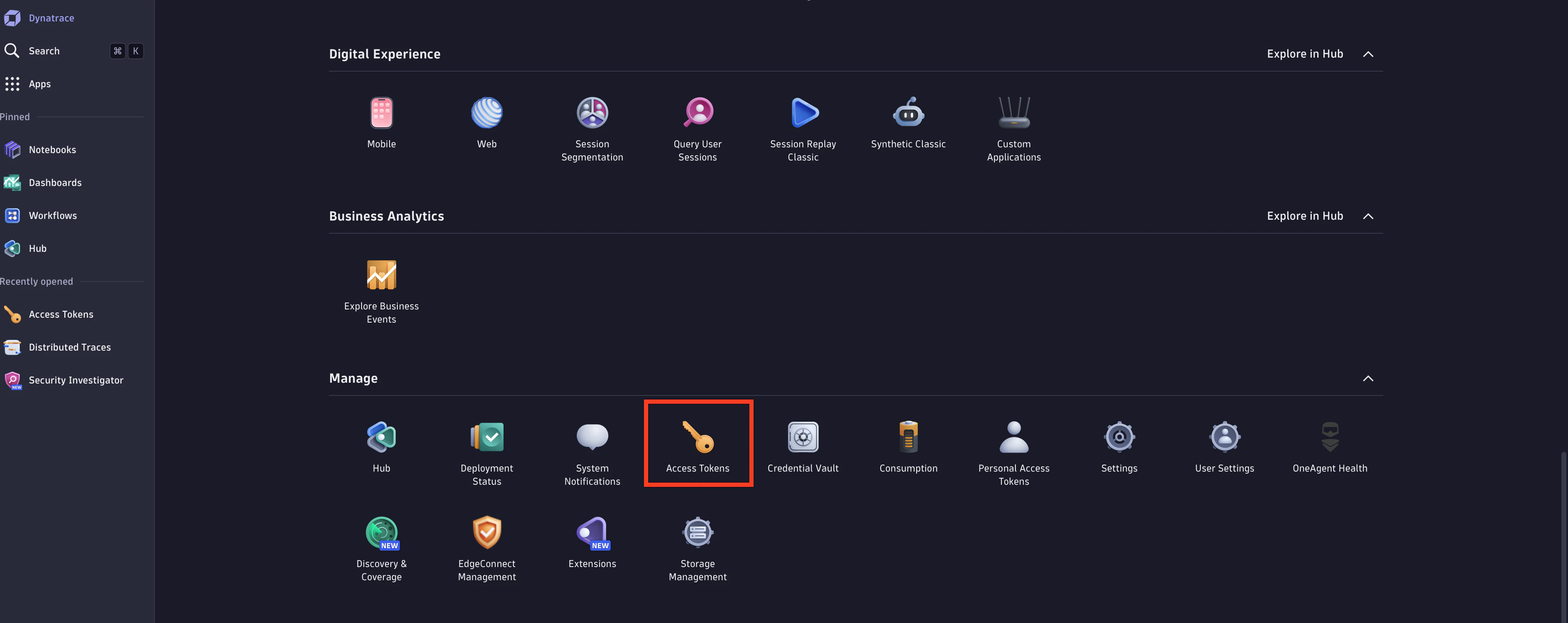
Ingest OpenTelemetry traces for traces).
Configuring Destination Fields
Supported Signals:
Supported Signals:
✅ Traces
✅ Metrics
✅ Logs
❌ Profiles
- DYNATRACE_URL
string: Tenant URL.- This field is required
- Example:
https://{your-environment-id}.live.dynatrace.com
- DYNATRACE_API_TOKEN
string: API Access Token.- This field is required
Adding Destination to Odigos
There are two primary methods for configuring destinations in Odigos:Using the UI
1
Use the Odigos CLI to access the UI
2
Click on
Add Destination, select Dynatrace and follow the on-screen instructionsUsing Kubernetes manifests
1
Save the YAML below to a file (e.g.
dynatrace.yaml)2
Apply the YAML using
kubectl